
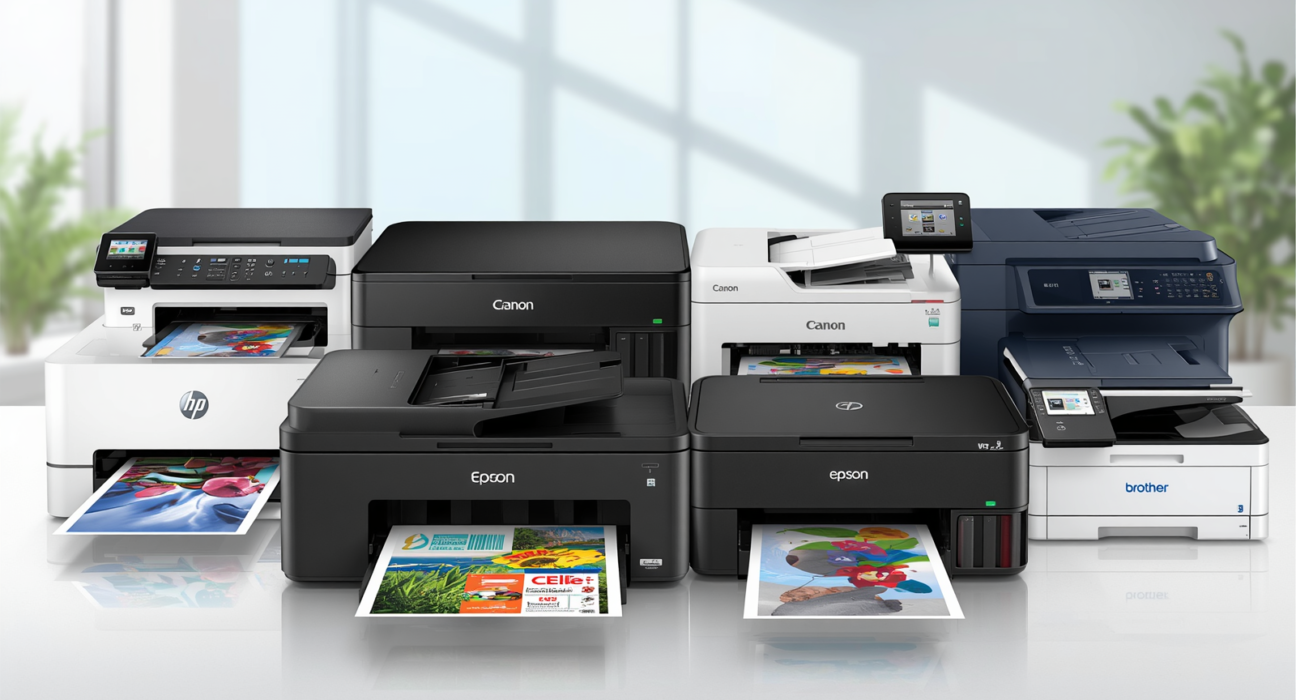
If you’ve been searching for a reliable printer that doesn’t drain your wallet, you’re in the right place. Finding the best printer under ₹10,000 in India isn’t as straightforward as it sounds — the market is packed with options that look great on paper but disappoint in real-world use. This guide cuts through the noise and gives you honest, practical picks that actually make sense for home use in 2025.
Whether you need it for school assignments, work-from-home documents, or occasional photo printing, there’s a solid option in this budget range that fits your needs. Let’s get into it.
Best Printers Under ₹10,000 for Home Use in India (2025):
- Canon PIXMA G2010 — Best overall ink tank printer for high-volume home use
- HP Ink Tank 115 — Most affordable ink tank option for black-only printing
- Epson EcoTank L3250 — Best wireless all-in-one ink tank printer
- Canon PIXMA E477 — Best cartridge-based all-in-one under ₹8,000
Why the Right Printer Choice Matters in This Budget
Here’s the thing — the purchase price is just one part of the equation. Many printers in this range look affordable upfront but hit you hard on ink cartridge refills. A printer that costs ₹4,000 but burns through ₹600 cartridges every month ends up being far more expensive than a ₹9,000 ink tank model that runs on cheap refillable bottles.
For home use in India, the smartest move is almost always to go with an ink tank printer. You get lower running costs, higher page yield, and less stress about running out of ink mid-assignment or before an important meeting.
What to Look for Before You Buy a Printer Under ₹10,000
Before jumping to the recommendations, here’s a fast checklist:
- Ink tank or cartridge? Ink tanks win for regular users; cartridges are fine if you print rarely.
- Print volume? If you print 50+ pages a month, get an ink tank model.
- Do you need wireless? Wi-Fi printing from your phone is genuinely useful — don’t skip it if your budget allows.
- Photo or document printing? Most under-₹10,000 models are document-focused; photo quality varies.
- Brand service network? Canon, HP, and Epson have wide service coverage across India — stick to these three.
Top Printers Under ₹10,000 for Home Use in India (2025)
1. Canon PIXMA G2010 — Best Overall Ink Tank Printer
Approximate Price: ₹8,500 – ₹9,200
The Canon PIXMA G2010 is one of the most consistently recommended printers in this segment, and for good reason. It’s a refillable ink tank printer that delivers a page yield of up to 6,000 pages in black and 7,000 pages in colour from a single set of GI-790 ink bottles. For a home that prints regularly, this is a strong long-term investment.
Print quality is clean and sharp for text documents. Colour output is decent for everyday use — not professional photo-grade, but more than adequate for school projects or basic home needs. Setup is simple, and Canon’s service network across India makes post-purchase support relatively hassle-free.
Best for: Families, students, work-from-home users with moderate to high print volumes.
What to keep in mind: No wireless connectivity in this model. It’s USB-only, so you’ll need to print from a connected PC or laptop.
- Official product page: Canon PIXMA G2010
- Warranty registration: Canon India Warranty Registration
2. HP Ink Tank 115 — Most Affordable Ink Tank Option
Approximate Price: ₹6,500 – ₹7,500
If your budget is on the tighter side and you still want the benefits of an ink tank printer, the HP Ink Tank 115 is worth a serious look. It is a black-only printer — it does not support colour printing. It handles basic document printing well, ink costs are low, and HP’s ink availability across India is reliable.
It’s a no-frills machine — no display, no wireless, no scanner. Just straightforward black-and-white print functionality. If all you need is clean monochrome printing for bills, notes, or assignments, it does the job without complaint. If you ever run into issues, our guide on HP Ink Tank 115 not printing can help you troubleshoot quickly.
Best for: Light home users, students printing primarily text documents, budget-conscious buyers who do not require colour output.
What to keep in mind: This model does not print colour. If you need colour printing, consider the Canon PIXMA G2010 or Epson EcoTank L3250 instead.
- Official product page: HP Ink Tank 115
- Warranty registration: HP Warranty Check
3. Epson EcoTank L3250 — Best for Wireless Printing
Approximate Price: ₹9,000 – ₹10,000
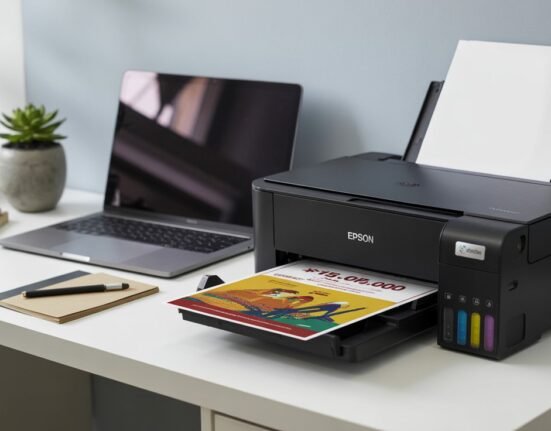
The Epson EcoTank L3250 sits at the top of this budget range, but the wireless capability alone justifies the slight premium for many users. You can print directly from your smartphone, tablet, or laptop over Wi-Fi or via Wi-Fi Direct — no cables required. It also functions as a scanner and copier, making it a true all-in-one for home use.
Epson’s EcoTank system is well-established in India, ink refill bottles are easily available, and per-page costs are among the lowest in this category. Print quality is solid across both text and basic colour output.
Best for: Work-from-home professionals, families who print from multiple devices, users who want a full-featured all-in-one.
What to keep in mind: At the upper limit of the ₹10,000 budget, availability and pricing can vary. Check current prices on major Indian e-commerce platforms before purchasing.
- Official product page: Epson EcoTank L3250
- Warranty registration: Epson India Warranty Registration
4. Canon PIXMA E477 — Best All-in-One Under ₹8,000
Approximate Price: ₹6,800 – ₹7,800
The Canon PIXMA E477 brings wireless printing, scanning, and copying into a tidy package at a competitive price. Unlike ink tank models, it uses Canon PG-745 (black) and CL-746 (colour) cartridges, both of which are widely available across India — so running costs are a bit higher than ink tank alternatives. The wireless convenience and compact design make it a practical pick for smaller homes or light users who don’t print in bulk.
Colour quality is noticeably better than basic ink tank models in this range, which makes it a reasonable choice if you occasionally print photos or colour documents. If you’re setting it up for the first time, our guide on how to set up your Canon printer on Windows walks you through the full process.
Best for: Occasional home users who want wireless flexibility without spending close to ₹10,000.
What to keep in mind: Cartridge-based, so factor in ink costs if you print frequently.
How to Buy the Right Printer: 5-Step Checklist
Step 1 — Estimate your monthly page count. Under 30 pages/month? A cartridge printer works. Over 50 pages/month? Go ink tank, every time.
Step 2 — Decide on must-have features. Do you need wireless? Scanning? Copying? Colour printing? Make a short list before browsing.
Step 3 — Check ink availability locally. Before buying, confirm that ink refills or cartridges for your chosen model are available in your city or on platforms like Amazon and Flipkart.
Step 4 — Compare current prices. Prices in this category fluctuate. Check Amazon.in, Flipkart, and local dealers before finalising.
Step 5 — Register your product. Canon, HP, and Epson all offer warranty registration online. Do this right after purchase — it makes service requests much smoother. Links are listed under each model above.
Total Cost of Ownership: The Real Price of Your Printer
Most buyers focus on the sticker price. But the smarter comparison is total cost of ownership over one year.
Here’s a rough example:
- A cartridge printer at ₹5,000 with ₹500/cartridge (yields ~200 pages) works out to roughly ₹2.50 per page.
- An ink tank printer at ₹9,000 with ₹400/ink bottle set (yields ~6,000 pages) works out to roughly ₹0.07 per page for black. Colour per-page costs for ink tank models typically range from ₹0.30–₹0.50 depending on coverage and model.
Over a year of moderate printing, the ink tank option often saves several thousand rupees — and that saving compounds over time. For more strategies, see our guide on how to reduce your ink costs at home.
Prevention Tips — Getting the Most from Your Home Printer
- Print regularly. Inkjet printers that sit unused for weeks can develop clogged nozzles. Even a test page once a week helps. If nozzles do clog, our guide on how to fix clogged printer nozzles walks you through the fix.
- Use genuine ink. Third-party refills may seem cheaper, but they can void your warranty and damage the print head over time.
- Store in a dust-free spot. Dust is a common cause of feed issues and print quality problems.
- Run the built-in cleaning cycle occasionally. Most printers have a maintenance option in the settings — use it if print quality starts to fade.
- Keep the printer covered when not in use, especially in areas with high humidity or dust.
Frequently Asked Questions: Printers Under ₹10,000 in India
Q: Which is the best ink tank printer under ₹10,000 in India for 2025?
The Canon PIXMA G2010 and Epson EcoTank L3250 are consistently strong choices. The G2010 offers excellent value for high-volume printing; the L3250 adds wireless convenience at a slightly higher price.
Q: Is it worth buying a printer with Wi-Fi in this budget?
Yes, if you print from multiple devices or a smartphone regularly. The Epson L3250 and Canon E477 both offer wireless printing and are worth considering if this feature matters to you.
Q: What’s the per-page printing cost for ink tank printers in India?
In many cases, ink tank printers in this range deliver a per-page cost of ₹0.07–₹0.20 for black and ₹0.30–₹0.50 for colour, depending on the model and usage pattern.
Q: Can I print photos with printers under ₹10,000?
Basic photo printing is possible, but results vary. For occasional home snapshots, these printers are adequate. For high-quality photo output, a dedicated photo printer or a higher-budget model would serve you better.
Q: Where can I buy these printers in India?
All models listed are widely available on Amazon.in, Flipkart, and through authorised brand stores and local electronics retailers across major Indian cities.
If you’re still unsure which printer fits your specific situation — whether it’s the space in your home, the type of documents you print, or compatibility with your devices — feel free to reach out. We’re happy to help you narrow it down before you make the purchase.

Leave feedback about this