
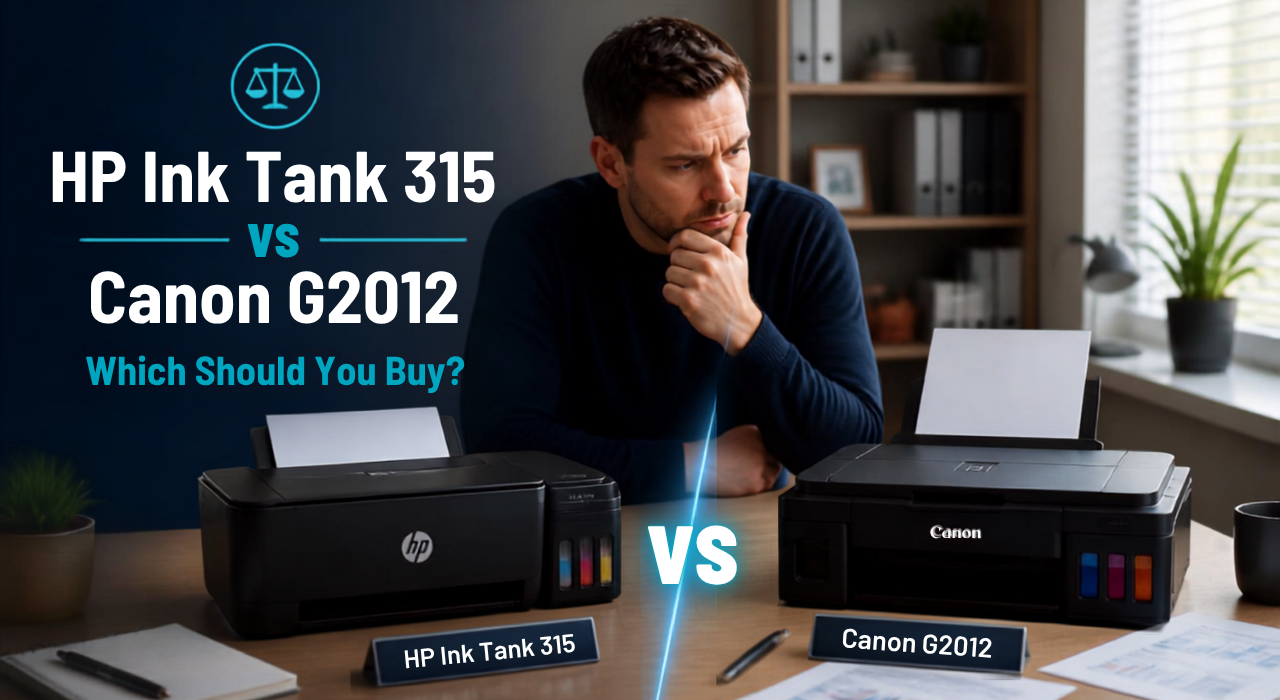
If you’re shopping for a budget ink tank printer for home or student use, the HP Ink Tank 315 vs Canon G2012 are two of the most searched names in this price bracket — and for good reason. Both are basic, no-frills print-scan-copy machines built around refillable ink tanks instead of expensive cartridges.
The short version: the HP Ink Tank 315 usually edges out on print quality and ease of setup, while the Canon G2012 tends to be the more budget-friendly pick with slightly lower running costs. Neither has Wi-Fi, so if wireless printing matters to you, you’ll want to look at higher variants from either brand instead.
Let’s break down where each printer actually wins, so you’re not just picking based on price alone.
Quick Answer
- Price: Both fall in the ₹10,000–₹15,000 range in India
- Connectivity: USB only — no Wi-Fi on either model
- HP Ink Tank 315: Better print consistency and a simpler ink-refill design
- Canon G2012: Usually cheaper, and ships with extra black ink bottles for lower running costs
Why This Comparison (HP Ink Tank 315 vs Canon G2012) Comes Up So Often
Both printers target the same buyer: someone who prints a lot at home — school assignments, forms, the occasional photo — and wants to avoid the recurring cost of cartridge printers. Ink tank printers solve that by letting you refill from bottles instead of buying new cartridges every few weeks.
Since both machines sit in a similar price range and offer nearly identical core functions (print, scan, copy), the decision usually comes down to small but meaningful differences: build quality, print speed, ink yield, and after-sales support in your city.
Quick Comparison (At a Glance)
- Price: Canon G2012 is typically a bit cheaper than the HP Ink Tank 315
- Functions: Both offer print, scan, and copy — no fax, no automatic duplex
- Connectivity: USB only on both; neither has Wi-Fi or Bluetooth
- Ink bundled: Canon G2012 usually ships with 2 extra black ink bottles (in addition to the standard CMYK set)
- Print speed: HP Ink Tank 315 rates up to 8 ppm black / 5 ppm color (ISO); Canon G2012 rates up to 8.8 ipm black / 5 ipm color — close enough that most users won’t notice a real-world difference
Step-by-Step: How to Decide Which One Fits You
1. Figure out your primary use case.
If you print mostly text-heavy documents (assignments, forms, bills), both printers will handle this comfortably. If you print photos occasionally, check current reviews for color output — this is one area where buyers report noticeable differences between batches and models.
2. Compare current prices on Amazon.in and Flipkart.
Pricing on both printers fluctuates fairly often due to festive sales and stock clearances. Don’t rely on an old price you saw somewhere — check both platforms on the day you plan to buy.
3. Check ink bottle availability in your city.
This matters more than people expect. Before buying either printer, search for Canon GI-790 (for the G2012) or HP GT53/GT52 (for the 315) ink bottles on local retailer sites or Amazon to confirm they’re easily restocked near you.
4. Consider after-sales service.
Both HP and Canon have wide service networks in India, but coverage can vary by city and pin code. A quick search for “HP service center [your city]” or “Canon service center [your city]” takes two minutes and can save you a headache later.
5. If you’re on Mac, verify compatibility before buying.
Official drivers exist for both printers, but regional retailer listings are sometimes inconsistent about Mac support for these budget models. Check the current listing or the manufacturer’s driver page for your specific macOS version before purchasing if this matters to you.
6. Decide based on your budget ceiling.
If your budget is tight, the Canon G2012 often comes in lower. If you’re comfortable paying a bit more for what many users describe as a more polished refill experience, the HP 315 is worth the difference.
Detailed Comparison
Design and Build
Both printers use a compact, boxy design typical of entry-level ink tank machines. Both also include a basic segment display on the control panel — the HP Ink Tank 315 uses it to show copy count and error/printhead icons, while the Canon G2012 has a small (around 1.2-inch) segment mono display for similar status information. Neither offers a full menu-driven touchscreen; the difference between them comes down to button layout and general ease of use rather than one having a display and the other not. Some buyers find the HP layout slightly more intuitive for basic operations without a computer connected, while others prefer the Canon’s simpler button set.
Print, Scan, and Copy Functions
Both are strictly print-scan-copy devices. Neither offers automatic document feeding, duplex (double-sided) printing, or wireless connectivity — so if any of those are must-haves for you, this comparison isn’t the one to focus on; you’d want to look at Wi-Fi-enabled models from either brand instead.
Print Speed
Official ISO-rated speeds put the HP Ink Tank 315 at up to 8 ppm black and 5 ppm color, and the Canon G2012 at up to 8.8 ipm black and 5 ipm color. On paper, that’s a marginal edge for Canon in black-and-white output, with color speed essentially identical. In real-world use, most buyers report the difference between the two is barely noticeable for everyday document printing.
Ink Cost and Bundled Bottles
This is one of the more practical differences. The Canon G2012 typically ships with two extra black ink bottles included in the box (on top of the standard cyan/magenta/yellow/black set), with an estimated yield of around 6,000 pages mono and 7,000 pages color per bottle set — which effectively extends the time before your first refill. The HP 315 usually ships with standard starter bottles, which is worth factoring into your total cost of ownership in the first year.
Price in India
Pricing for both printers moves around fairly frequently based on retailer discounts and festive sales, so check current listings on Amazon.in and Flipkart directly before buying rather than relying on a figure you saw elsewhere. Recent listings generally place both printers in the ₹10,000–₹15,000 range, with the Canon G2012 more often found at the lower end of that band.
Advanced Consideration: Total Cost of Ownership
Don’t just compare the sticker price. Add up:
- Printer price
- Cost of a full ink bottle set (all 4 colors)
- Expected page yield per bottle set
Over a year of moderate home use, the difference between these two printers in ink cost is usually small — but the Canon G2012’s bundled extra black bottles can offset its ink costs a bit further in the first several months of ownership.
Prevention Tips: Getting the Most Out of Either Printer
- Refill ink tanks only when the level is genuinely low — topping off too early wastes ink and can lead to overflow
- Use genuine ink bottles from the brand; third-party ink can affect print quality and, in some cases, void warranty coverage
- Keep the printer in a dust-free area, especially since both models use open-air ink tank refill systems
- Run a print head cleaning cycle occasionally if you don’t use the printer daily, to prevent clogged nozzles
FAQ
Does either printer support Wi-Fi printing?
No. Both the HP Ink Tank 315 and Canon G2012 are USB-only. If wireless printing is important, look at Wi-Fi variants like the HP Smart Tank series or Canon’s G3000 series instead.
Which one is cheaper to run long-term?
In many cases, the Canon G2012 works out slightly cheaper in the first year because of the bundled extra black ink bottles, though ongoing running costs between the two are broadly comparable.
Can I print photos on these printers?
Both support basic photo printing, but neither is optimized for high-quality photo output the way dedicated photo printers are. Expect decent, not exceptional, results.
Is automatic duplex printing available?
No, neither model supports automatic double-sided printing. You’ll need to flip pages manually if you want to print on both sides.
Which brand has better service support in India?
Both HP and Canon have established service networks across major Indian cities, though coverage can vary by location — it’s worth checking availability in your specific city before purchase.
If you’re still unsure which one fits your specific printing needs — heavy document use, occasional photos, or shared home/office use — feel free to reach out and we can help you narrow it down based on your exact requirements.

Leave feedback about this